

Drop in a file
PDF, photo, scan or Office file up to 50 MB. Unsupported formats get a clear way forward.
≈ 1 s
DocuneX reads scans, PDFs, photos and Office files, keeps every heading, table and line in place, and turns invoices and bills into clean Excel rows with GST checks. Ask questions, compare prices and export anywhere.
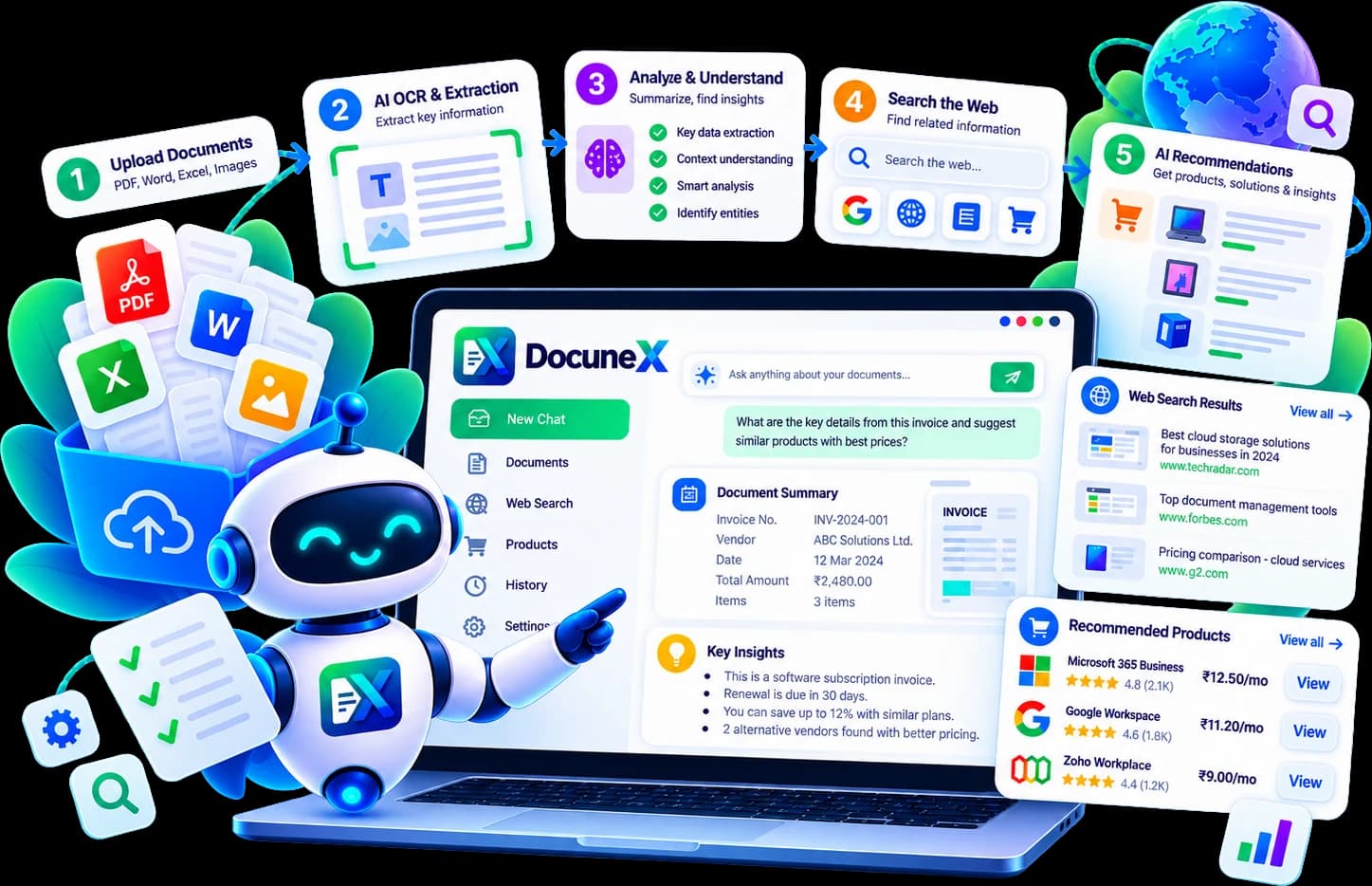
Pick a capability to see what DocuneX does with a real-looking document.
Four steps, each one ending in something you can check: the file, the text with positions, the structure, and answers with citations.
PDF, photo, scan or Office file up to 50 MB. Unsupported formats get a clear way forward.
≈ 1 sDigital pages use their text layer; scans go to PaddleOCR with Tesseract as a fallback.
2–25 s per scan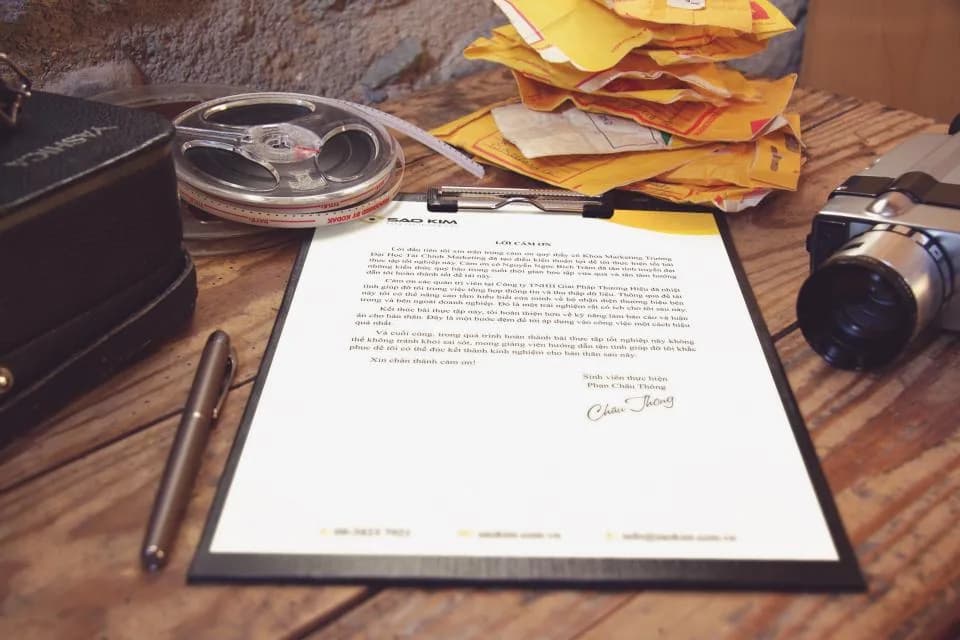
Columns are ordered and headings, lists and tables are detected in reading order.
< 1 s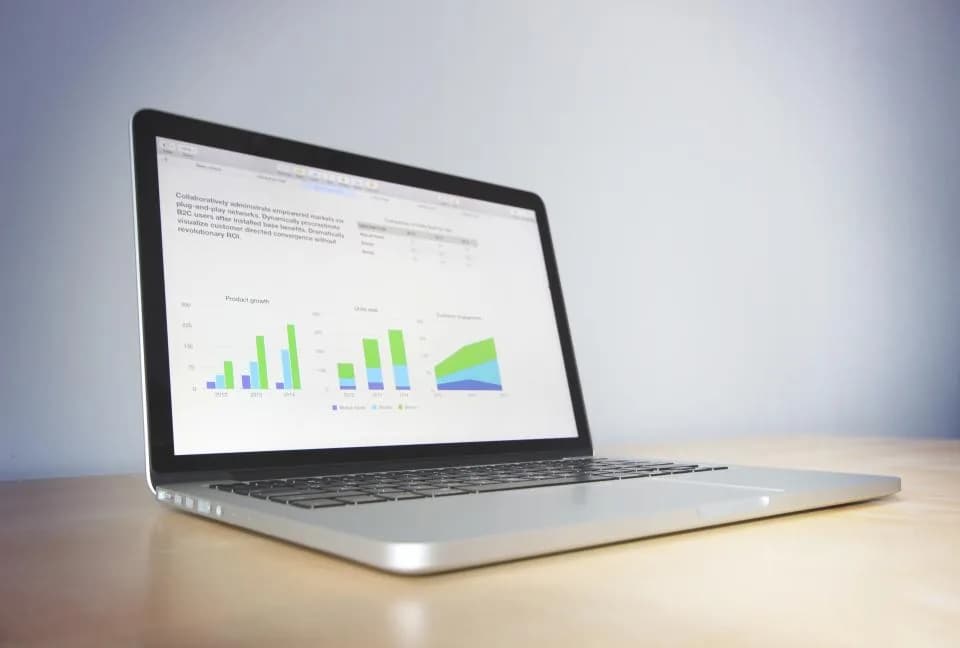
Question it with citations, find products and prices, or export clean data.
Whenever you need
Quick answers about using DocuneX AI.
Upload a file and ask DocuneX about it directly. Every answer comes with the page it came from.
PDFs (digital and scanned), PNG, JPG, WEBP, BMP and GIF images, Word, Excel and PowerPoint files, plus CSV, TXT and Markdown, up to 50 MB each.
Yes. Scanned pages and photos are read with PaddleOCR, with Tesseract as an automatic fallback. Digital PDFs use their own text layer, so they finish in well under a second per page.
Yes. Chat with your document and get answers drawn only from it, with page citations you can click. It can also read charts and double-check numbers on scanned pages.
Yes. It finds the items a prescription, list or bill mentions and links each one to stores that sell it. With a free SerpApi key it also shows prices, pictures and a buy recommendation.
Yes. The Free plan includes 20 pages and 30 questions every month, with no card needed. Pro (₹299/month) adds 1,000 pages, batch upload and Excel export; Business (₹999/month) adds 10,000 pages and the API. Plans don't auto-renew.
Bring a prescription, a bill or a 50-page report.